Fashion Try-On & Scene Merge
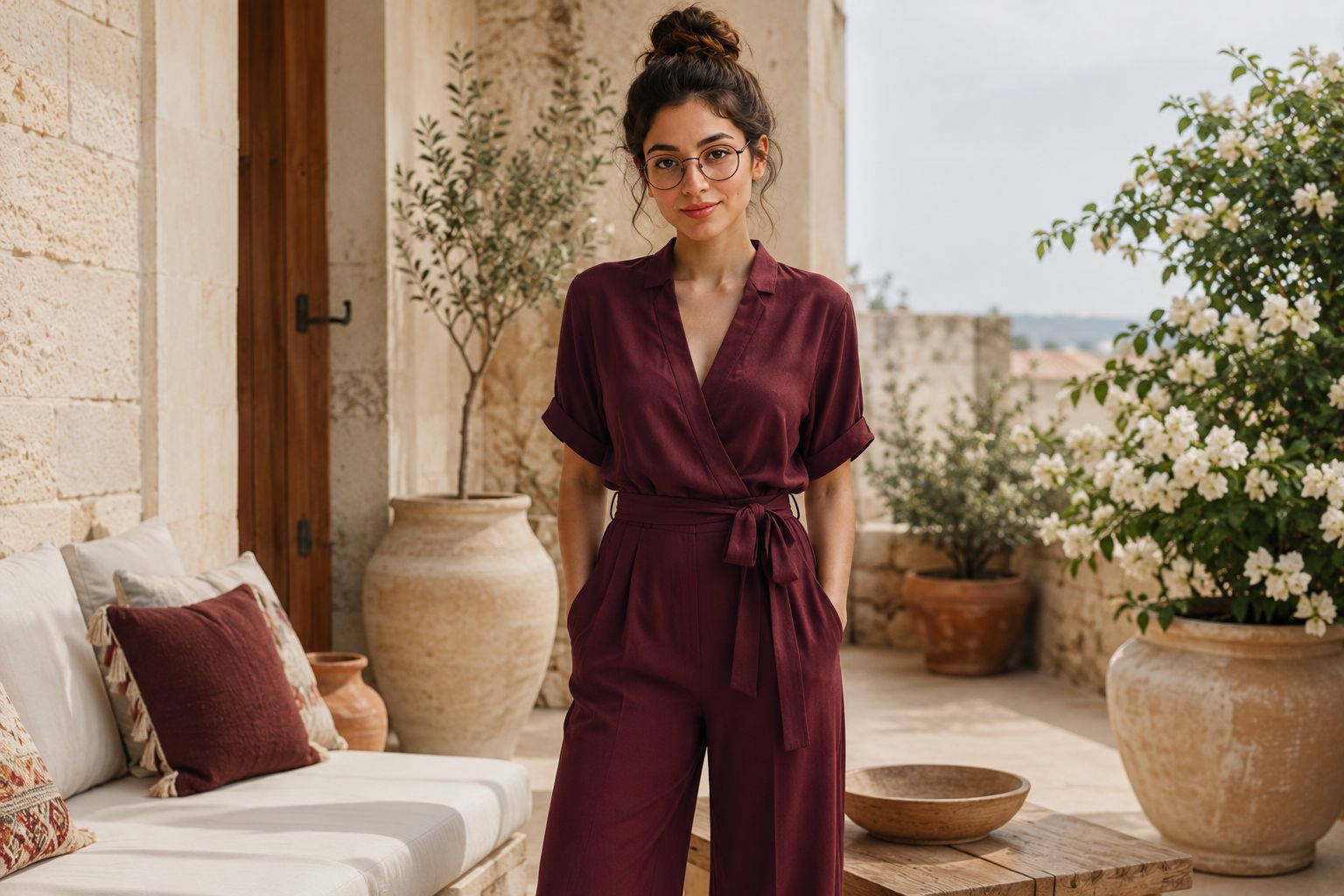
ImagesOne ready prompt: attach three images (a garment + a model + a location); the model describes them, then merges them into a single photorealistic fashion shot. Great for fashion store owners.
Prompt text
I am attaching three images:
- Image 1: a garment (clothing item).
- Image 2: a person / fashion model.
- Image 3: a location / background scene.
First, briefly describe each image. Then generate ONE photorealistic fashion photograph: dress the person from Image 2 in the garment from Image 1, and place them naturally inside the location from Image 3.
Keep the model's face and identity from Image 2, and reproduce the garment from Image 1 exactly (same color, pattern, fabric, details). Match lighting, shadows, perspective and scale so it looks like one real, professionally shot photo — not a collage.
Style: [editorial / streetwear / luxury]. Shot: [full-body / half-body]. Aspect ratio: [4:5 / 9:16 / 1:1].
Build a more customized version
This prompt was generated from the Fashion Try-On & Scene Merge builder. Tweak the inputs to craft your own.
Open the prompt directly in:
Ad
Meqyas AI
Meqyas AI helps individuals and organizations measure AI readiness, then move from diagnosis to a practical adoption roadmap.
fashion
try-on
outfit
image merge